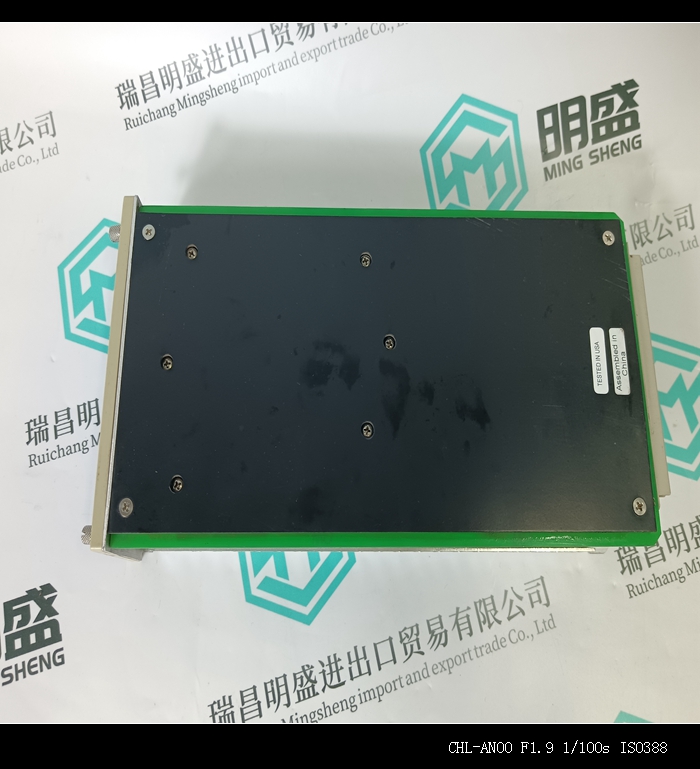
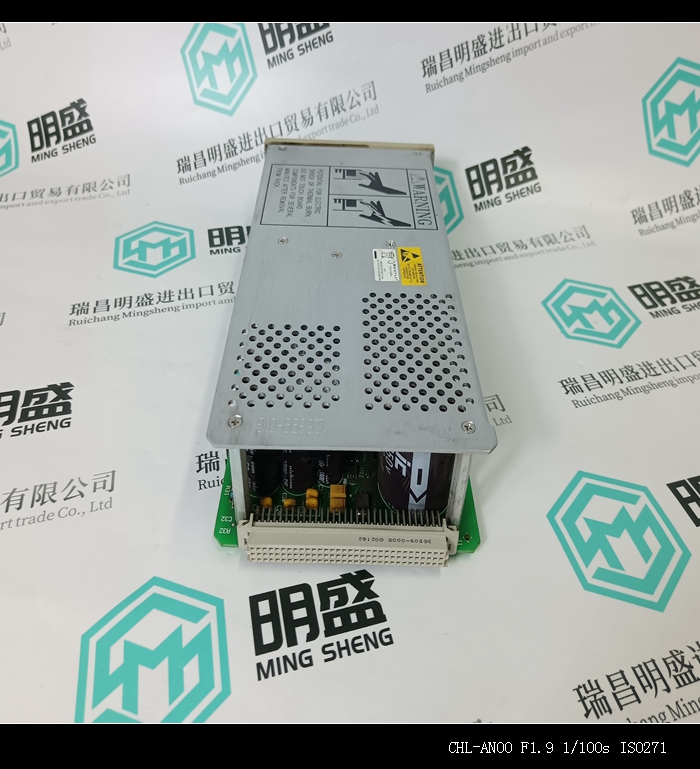
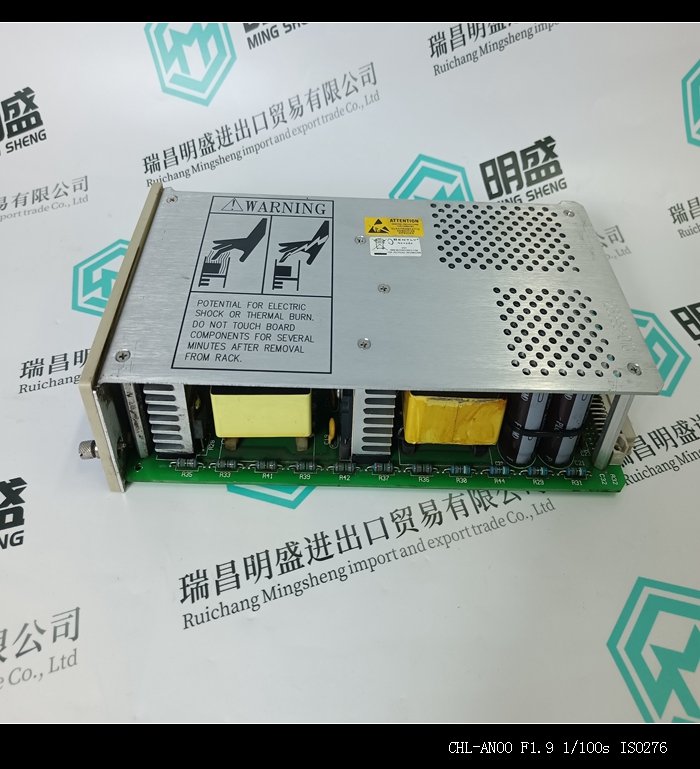
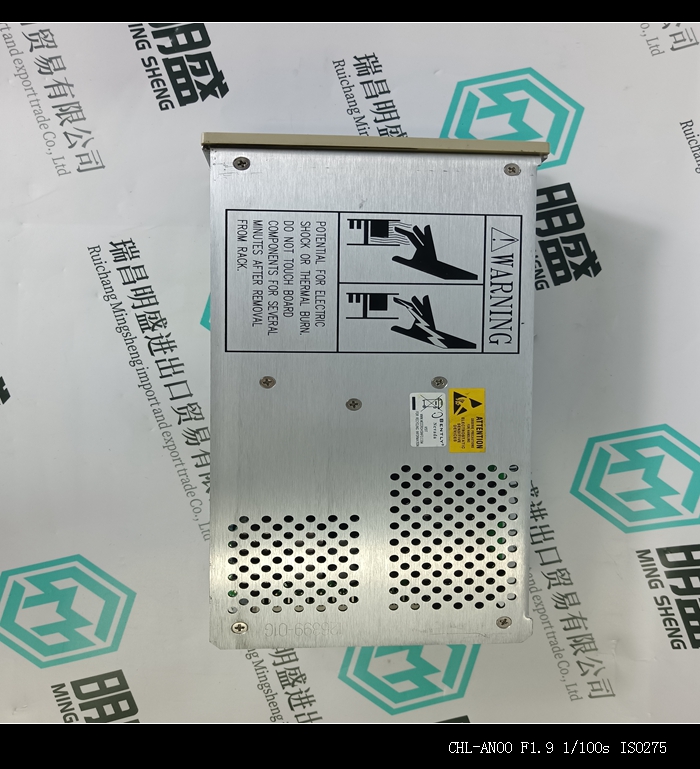
产品详细资料
EnerVista 745安装软件现在准备745接收新的固件文件。745将显示一条消息,指示其处于上传模式。当文件被加载到745中时,会出现一个状态框,显示有多少新固件文件已经传输,还有多少剩余,以及升级状态。整个传输过程大约需要五分钟。EnerVista 745安装软件将在745完成文件加载后通知用户。 仔细阅读所有显示的消息,然后单击“确定”返回主屏幕。注意:建议在固件升级后将电源循环至继电器。在成功更新745固件后,继电器将不在使用中,并且需要设置点编程。要与继电器通信,必须手动编程设定以下设置。从属地址COM1/COM2/FRONT BAUD RATE COM1/COM2/FRONT PARITY(如果适用)当建立通信时,必须将保存的设定点重新加载回继电器。有关详细信息,请参阅第4–26页的“从文件加载设置点”。分配给固件模块、功能、设置和相应数据项(即默认值、小/大值、数据类型和项大小)的Modbus地址可能会因固件版本的不同而略有变化。添加新功能或增强或修改现有功能时,会重新排列地址。固件升级/降级后显示的EEPROM DATA ERROR(EEPROM数据错误)消息是一条可重新设置的自检消息,旨在通知用户Modbus地址已随固件升级而更改。固件升级后出现此消息时,不会发出任何问题的信号。
The EnerVista 745 Setup software now prepares the 745 to receive the new firmware file. The 745 will display a message indicating that it is in Upload Mode. While the file is being loaded into the 745, a status box appears showing how much of the new firmware file has been transferred and how much is remaining, as well as the upgrade status. The entire transfer process takes approximately five minutes. The EnerVista 745 Setup software will notify the user when the 745 has finished loading the file. Carefully read any displayed messages and click OK to return the main screen. Note Cycling power to the relay is recommended after a firmware upgrade. After successfully updating the 745 firmware, the relay will not be in service and will require setpoint programming. To communicate with the relay, the following settings will have to be manually programmed. SLAVE ADDRESS COM1/COM2/FRONT BAUD RATE COM1/COM2/FRONT PARITY (if applicable) When communications is established, the saved setpoints must be reloaded back into the relay. See Loading Setpoints from a File on page 4–26 for details.Modbus addresses assigned to firmware modules, features, settings, and corresponding data items (i.e. default values, minimum/maximum values, data type, and item size) may change slightly from version to version of firmware. The addresses are rearranged when new features are added or existing features are enhanced or modified. The EEPROM DATA ERROR message displayed after upgrading/ downgrading the firmware is a resettable, self-test message intended to inform users that the Modbus addresses have changed with the upgraded firmware. This message does not signal any problems when appearing after firmware upgrades.
主营产品简介
专注于DCS、PLC、机器人控制系统、大型伺服四大系统领域。
主营产品各种模块/卡件,控制器,触摸屏,伺服驱动器。
优势:供应进口原装正品,专业停产配件,
发货快,货期精准,
主营品牌包括 ABB贝利、GE/FUANC、FOXBORO、英维思TRICONEX 、本特利BENTLY、A-B罗克韦尔、艾默生EMERSON 、OVATION、MOTOROLA、XYVOM、霍尼韦尔HONEYWELL 、力士乐REXROTH、KUKA、NI、DEIF、横河、伍德沃德WOODWARD、瑞恩、施耐德SCHNEIDER 、安川、 穆格MOOG、PROSOFT等品牌。
只卖库存产品;出完需订货!价格以客服说明为准!!订货货期以客服说明为准,有任何疑问请联繁客服! Limited stock, Contact US!
●使用前:
在操作和维护,安装设备之前,请阅读并严格遵守安全相关的信息。
Read and strictly follow safety-related information before operatingmaintainingand installing equipment.
●使用者要求:
必须从事安装,组装或维护设备等相关工控电气机械以及其他相关技术的人员。
Must be engaged in the installation,assembly or maintenance of equipment and other related industriacontroeectrica machinery and other related technica personne.应用范围:
应用于品牌本系列工业以及生产生活自动化设备产品。
Used in the brand of this series of industriaand production automation eauipment products
适用于场景:系统集成,非标定制,产线升级改造,原设备电气替换等等。
Suitable for scenarios:system integration,non-standard customizationproduction line upgrading and transformation,electrical replacement of original equipment,etc.
●操作人员:
应该由本品牌专业培训操作员来安装、操作和维修设备。专业人员具有技术能力强,熟悉安全信息和安全实施:
熟悉设备的安装加工、操作和维护:熟悉处理所有的潜在危险情况。
Equipment should be installed,operated and maintained by trained operators from the brand
●危险情况
警告
.请注意使用人员的人身安全。
●除了产品特性以及功能,还需了解产品的使用寿命环境。
●充分学习产品使用手册,否则非专业人员可能会造成人身危险。
Study the product instruction manual thoroughlyotherwise it may cause personal danger to non-professionals.
●服务行业
适用水泥,木业,石业,橡胶,石油,化工,发电,环保,水处理,制冷,交通,钢铁,食品,饮料,船舶,制冷等行业
Applicable to cementwood,stone,rubber,petroleumchemical, power generation