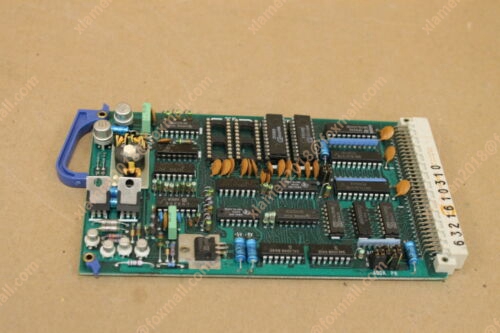
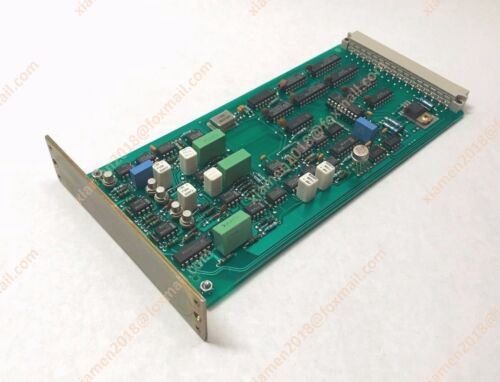
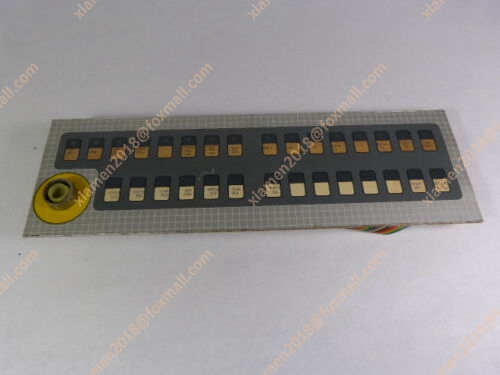
产品详情
主营产品简介
专注于DCS、PLC、机器人控制系统、大型伺服四大系统领域。
主营产品各种模块/卡件,控制器,触摸屏,伺服驱动器。
优势:供应进口原装正品,专业停产配件,
发货快,货期精准,
主营品牌包括 ABB贝利、GE/FUANC、FOXBORO、英维思TRICONEX 、本特利BENTLY、A-B罗克韦尔、艾默生EMERSON 、OVATION、MOTOROLA、XYVOM、霍尼韦尔HONEYWELL 、力士乐REXROTH、KUKA、NI、DEIF、横河、伍德沃德WOODWARD、瑞恩、施耐德SCHNEIDER 、安川、 穆格MOOG、PROSOFT等品牌
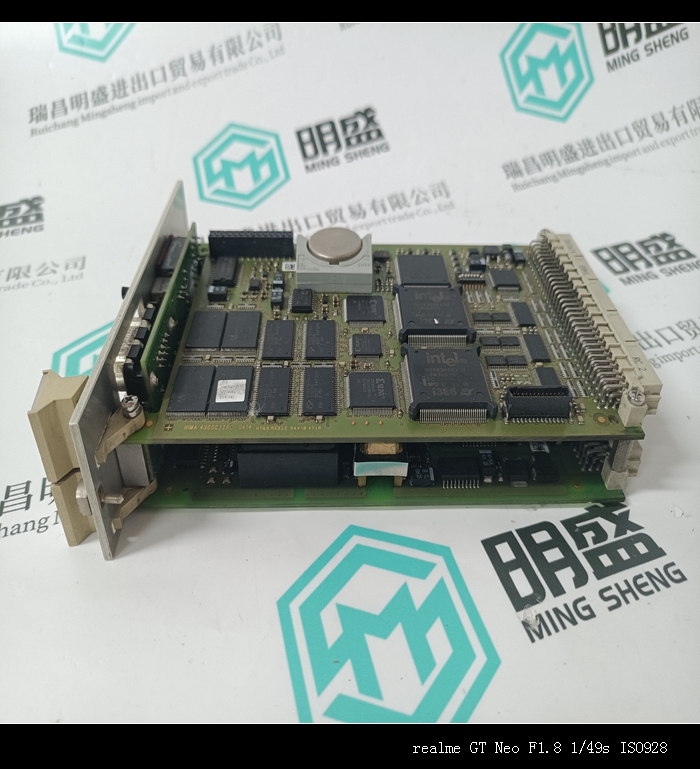
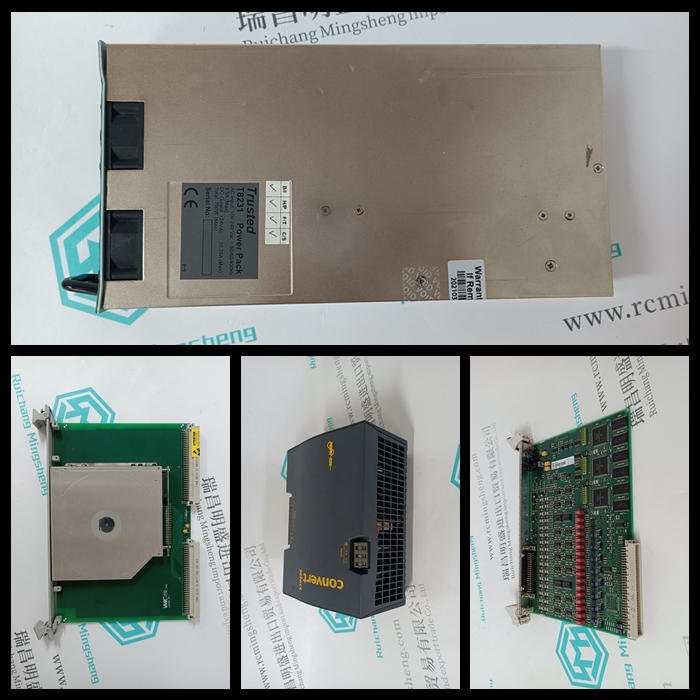
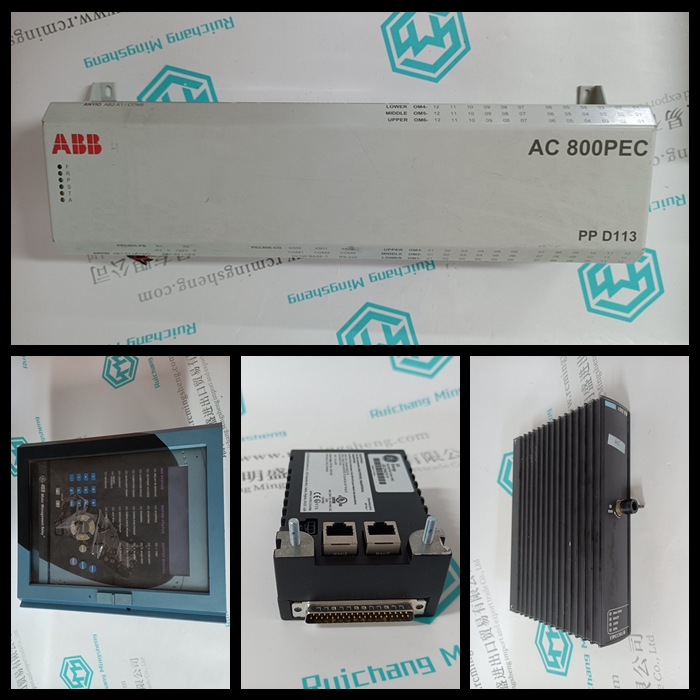
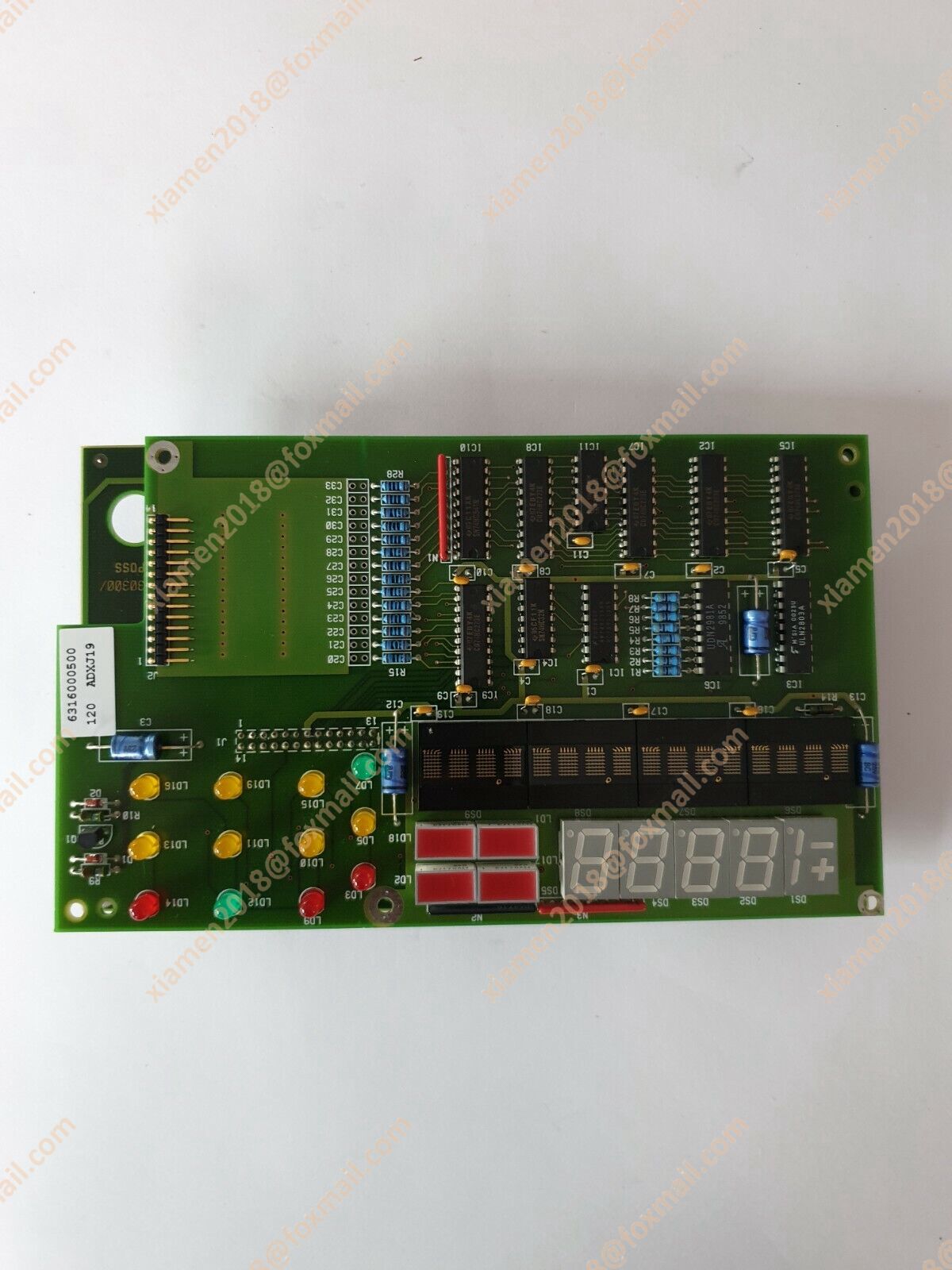
产品图片展示
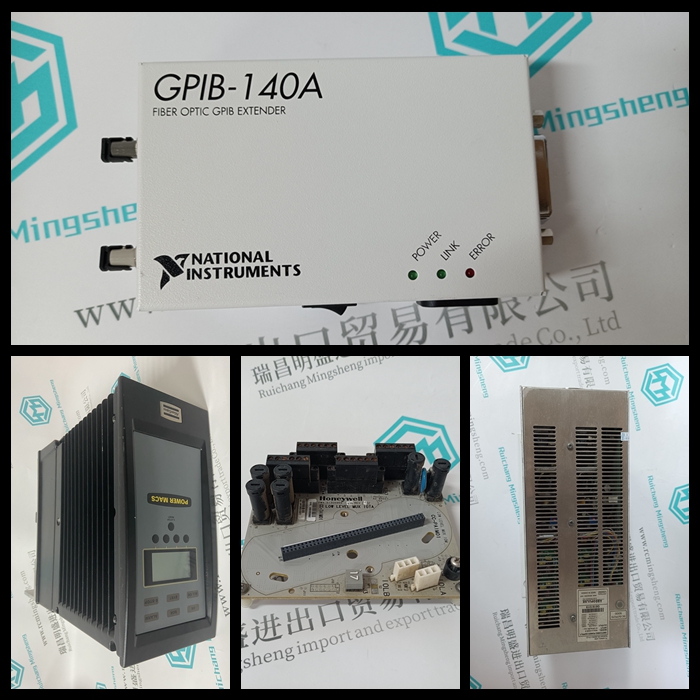
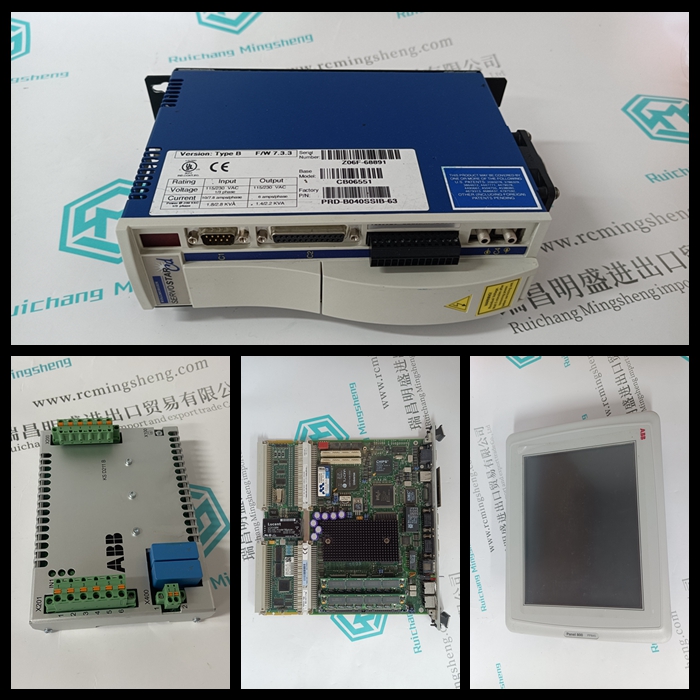



产品详情资料
0 22500 200 45000 FastSetUp WebTension PresentationMenu SetNominalLoad ServiceMenu ZeroSet SetWrapGain>5 s AO 1-AO 6杂项菜单系统定义对象类型DO 1-DO 4 AI 1-AI 2 DI标称载荷ZZ kN ZZ lbs标称载荷[ZZ kN-ZZ lbs]设置单辊和分段辊的标称载荷归零设置辊1 ZZ kN ZZ lbs辊2 ZZ kN-ZZ lbs-辊1[ZZ kN-ZZ lbs]辊2[ZZ kN-ZZ lb lbs]归零设置设置两个辊组的标称负载标称负载设置标称负载张力电子元件PFEA113,用户手册第3章调试3-22 3BSE029382R0101版本C 3.12.5归零设置用于补偿称重传感器零信号和皮重。零点设置范围为±2 x Fnom(称重传感器标称负载)。零位设置菜单按以下顺序描述:1.一卷2.两卷3.分段卷注零位设置必须在卷上不施加卷筒张力的情况下完成。图3-12.零点设置菜单FastSetUp WebTension演示文稿菜单设置标称加载服务菜单ZeroSet SetWrapGain>5 s AO 1-AO 6杂项菜单系统定义对象类型DO 1-DO 4 AI 1-AI 2 DI ZeroSet A,B AreYouSure ActionDone(显示1秒)到SetWrap增益1.零点设置一个Roll 3.零点设置分段Roll ZeroSet C,D AreYouSere ActionDone(显示一秒)ZeroSet A,B AreYouSure ActionDone(显示1秒)ZeroSet ZeroSet置零设置A、B、C、D AreYouSure ActionDoned(显示1s)To SetWrapGain ZeroSet To SetWrapGain ZeroSet2.置零设置两个Rolls ZeroSet A、B,C,D AreYouSure Action Done(表示1秒)Tension Electronics PFEA113,用户手册第3.12.6节设置缠绕增益3BSE029382R0101 Rev C 3-23 3.12.6设置缠绕增益为了能够在显示器上显示实际的卷筒纸张力,必须确定卷筒纸张力与称重传感器上测得的力之间的比率。该比率是一个称为包裹增益的比例因子。包裹增益取决于卷筒纸在测量辊上的包裹角度和称重传感器的方向。因此,包裹增益取决于实际安装。这得出:T(张力)=包裹增益FR(称重传感器测量方向上的腹板张力)有两种方法可以通过吊重或计算来确定腹板张力与称重传感器上测得力之间的比值。•使用悬挂重量(Menu HangWeight)将一根绳子地沿着卷筒路径并应用已知重量。施加的已知重量模拟实际的卷筒纸张力,电子设备测量施加的重量对称重传感器产生的合力。当卷筒纸张力(T)和相应的测量力(FR)都已知时,张力电子设备计算比率T/FR,并将该值存储为包裹增益。当卷筒纸张力应用于轧辊时,张力电子设备通过将称重传感器上测得的力与包裹增益相乘来计算卷筒纸张力。悬挂重量程序后,可在EnterWrapGain菜单中找到张力电子设备计算的包裹增益。图3-13使用悬挂重量(安装示例)负载设置包裹增益This section describes how to set nominal load for: • One roll and Segmented roll • Two rolls Figure 3-11. Nominal Load Menus The nominal load is selected from the list below and must be the same as the nominal load on the load cell name plate. The load cell nominal load is displayed in kN and lbs on the same row. The following nominal loads can be selected: Table 3-1. Nominal Loads [kN] [lbs] 0.1 22 0.2 45 0.5 112 1.0 225 2.0 450 5.0 1125 10 2250 20 4500 50 11250 100 22500 200 45000 FastSetUp WebTension PresentationMenu SetNominalLoad ServiceMenu ZeroSet SetWrapGain > 5 s AO 1 - AO 6 Miscellaneous Menu SystemDefinition ObjectType DO 1 - DO 4 AI 1 - AI 2 DI NominalLoad ZZ kN ZZ lbs NominalLoad [ZZ kN ZZ lbs] Setting nominal load for One Roll and Segmented Roll To ZeroSet Roll 1 ZZ kN ZZ lbs Roll 2 ZZ kN ZZ lbs Roll 1 [ZZ kN ZZ lbs] Roll 2 [ZZ kN ZZ lbs] To ZeroSet Setting nominal load for Two Rolls SetNominalLoad SetNominalLoad Tension Electronics PFEA113, User Manual Chapter 3 Commissioning 3-22 3BSE029382R0101 Rev C 3.12.5 Zero Set Zero set is used to compensate for load cell zero signal and tare weight. The zero setting range is ±2 x Fnom (load cell nominal load). Zero set menus are described in the following order for: 1. One roll 2. Two rolls 3. Segmented roll NOTE Zero set must be done with no web tension applied to the rolls. Figure 3-12. Zero Set Menus FastSetUp WebTension PresentationMenu SetNominalLoad ServiceMenu ZeroSet SetWrapGain > 5 s AO 1 - AO 6 Miscellaneous Menu SystemDefinition ObjectType DO 1 - DO 4 AI 1 - AI 2 DI ZeroSet A, B AreYouSure ActionDone (shown for 1 s.) To SetWrapGain 1. Zero setting One Roll 3. Zero setting Segmented Roll ZeroSet C, D AreYouSure ActionDone (shown for 1 s.) ZeroSet A, B AreYouSure ActionDone (shown for 1 s.) ZeroSet ZeroSet A, B, C, D AreYouSure ActionDone (shown for 1 s.) To SetWrapGain ZeroSet To SetWrapGain ZeroSet 2. Zero setting Two Rolls ZeroSet A, B, C, D AreYouSure ActionDone (shown for 1 s.) Tension Electronics PFEA113, User Manual Section 3.12.6 Set Wrap Gain 3BSE029382R0101 Rev C 3-23 3.12.6 Set Wrap Gain To be able to present actual web tension on the display, the ratio between web tension and measured force on the load cell must be determined. This ratio is a scaling factor called Wrap Gain. The Wrap Gain depends on the web's wrap angle on the measuring roll and the orientation of the load cells. Therefore, Wrap Gain depends on the actual installation. This gives: T (tension) = Wrap Gain FR (force of web tension in load cell measuring direction) There are two ways to find out the ratio between web tension and measured force on the load cells, by Hanging weights or by Calculation. • With hanging weights (Menu HangWeight) String a rope that follows the web path exactly and apply a known weight. The applied known weight simulates the actual web tension and the electronics measures the resulting force on the load cells caused by the applied weight. When both web tension (T) and the corresponding measure f installation) Load